Pipeline
How to Set Up Pipedrive for a Sales Team
Plan a manageable CRM rollout without importing disorder.
Understand visual pipeline management and stage design.
Independent guide · Updated October 2026 · Product details should be confirmed with the provider.
A pipeline visualizes active deals across the steps a team uses to sell.
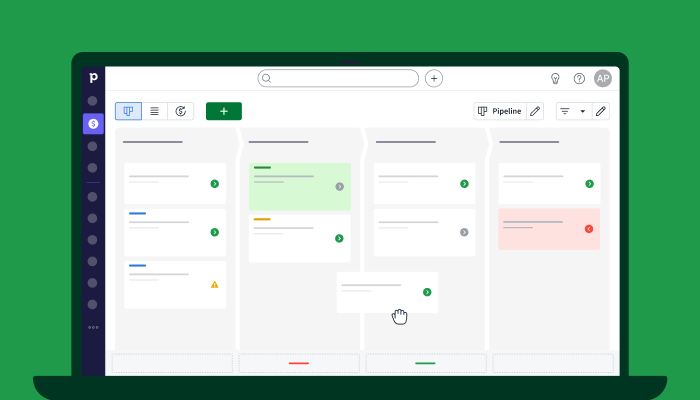
Create stages around meaningful buyer progress rather than every internal action. For each stage, document required evidence, next action and responsibility.
Moving cards across columns is not the same as a healthy sales process; stale deals still require deliberate review.
Check whether separate products or teams truly need separate pipelines rather than one complicated shared workflow.
Watch the official Pipedrive Pipedrive Pipeline View and Deal Stages video on Vidyard. Availability and playback are controlled by the publisher.
Confirm current plan features and terms directly with the provider before choosing.
Explore PipedriveAffiliate disclosure: we may earn a commission if you purchase through this link, at no additional cost to you.
Plan a manageable CRM rollout without importing disorder.
Make the next action visible for every important deal.
Use structured deal data without overwhelming your team.